Turnover checklists
Every cleaner knows what done means
Write the checklist once per property. Oordio copies the checklist into every cleaning job. The cleaner ticks off the same list for that home each time.
On every plan, including Free
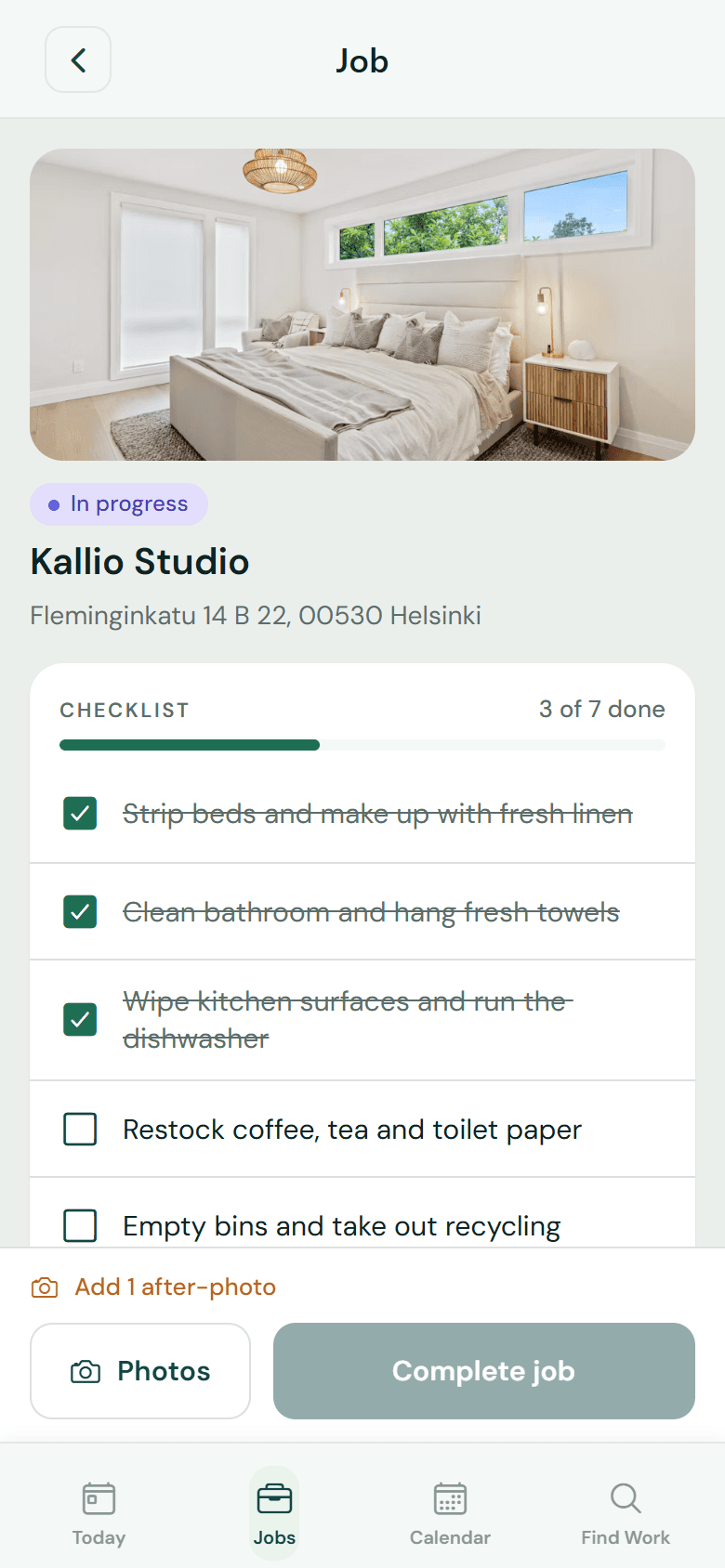
Sipoo Forest House · checkout 11:00
- Anja’s first time at this house
- The house’s checklist is right there
- Last item ticked, photos added
- Done your way, without a single call
How it works
The checklist belongs to the property, not to a person or a chat thread. The list stays the same when the cleaner changes.
Write the list once
Open the property and add items to the to-do list, like “strip the beds” or “restock coffee”.
Every job gets a copy
When a booking creates a cleaning job, Oordio copies the checklist into the job. Use the list for every booking or for one job only.
The cleaner ticks it off
The cleaner works through the list on their phone, adds photos and marks the job done.
Each home cleaned the way it needs
A studio and a forest house need different lists. Each property in Oordio has its own list, next to the address, access notes and photos.
Change the list whenever you learn something. New jobs get the new version. Jobs already created keep the list they started with.
- Add, edit and reorder items from the property details
- Apply the list to every booking, or to one job only
- Owners, admins and ops team members can edit; viewers can only read
A new cleaner gets it right first time
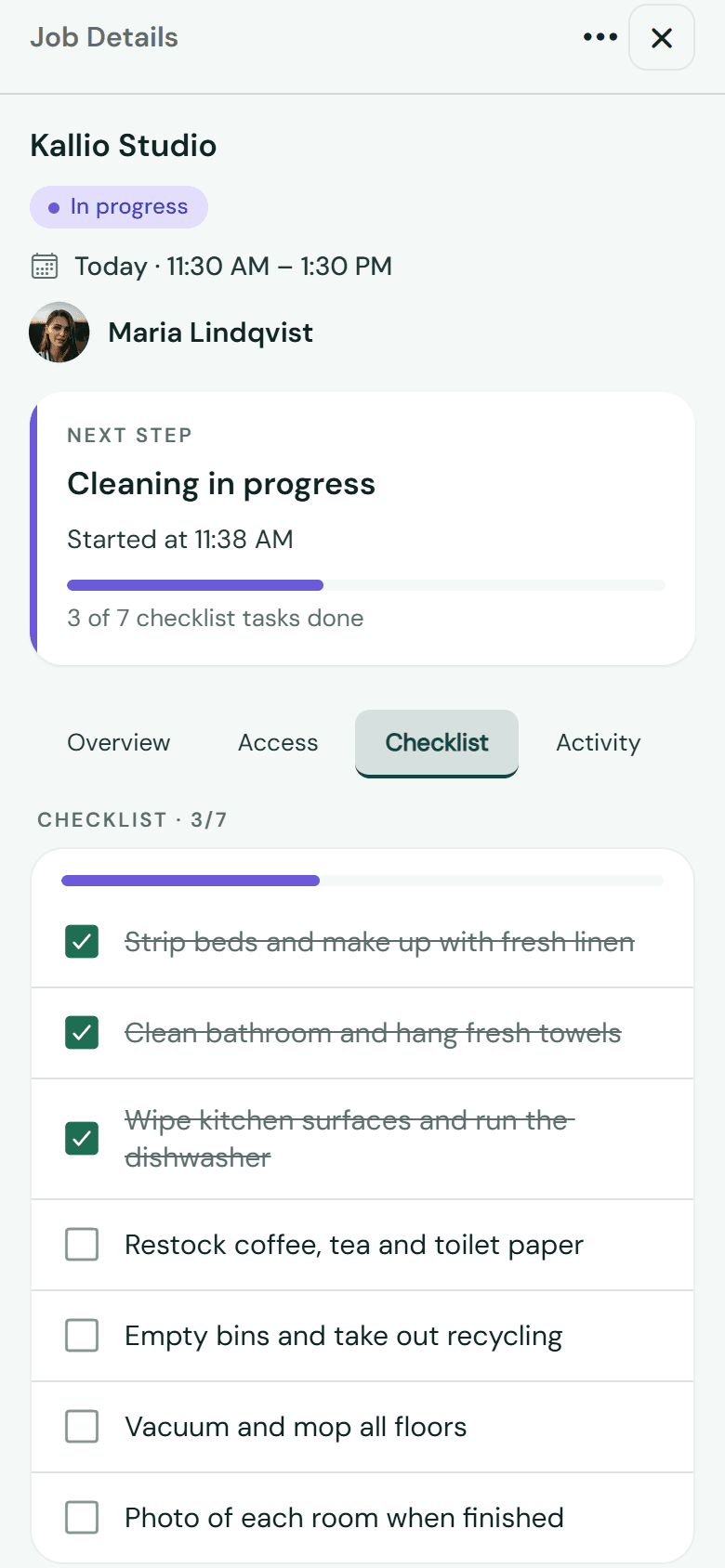
Your primary cleaner, backup cleaner and a marketplace cleaner all see the same list in the job. The door code and checkout time sit above the list.
The list helps most when the cleaner has never been inside the home. The cleaner sees what “done” means there.
- Shown in the cleaner’s job on iPhone, Android and the web
- The property’s full list is shown alongside the job’s copy
- Photos and issue reports sit in the same job
Questions
Is the checklist per property or per booking?
Per property. Each new cleaning job gets a copy of that property’s list. You can also set a list to apply to one job only.
If I edit the list, do existing jobs change?
No. Jobs that already exist keep the copy they were created with. The change applies to new jobs.
Can I make the cleaner finish every item before completing the job?
Not today. The cleaner can mark the job done without ticking every item. Use photos and reviews to check the work.
Can my co-host edit checklists?
Yes, if their team role is admin or ops and they have access to that property. Viewers can read but not edit.
Do I need to pay for checklists?
No. Checklists are on every plan, including Free with one property.
Start with one property
Connect the property’s calendar and add your cleaner. Oordio offers your cleaner the next checkout.