Issue reporting
Fix it before the next guest finds it
Cleaners report problems from the job. Guests report problems through their stay link. Each report has a status, so you see what is open and what is fixed.
Cleaner and host reports on every plan. Guest reports need the stay link, from Starter.
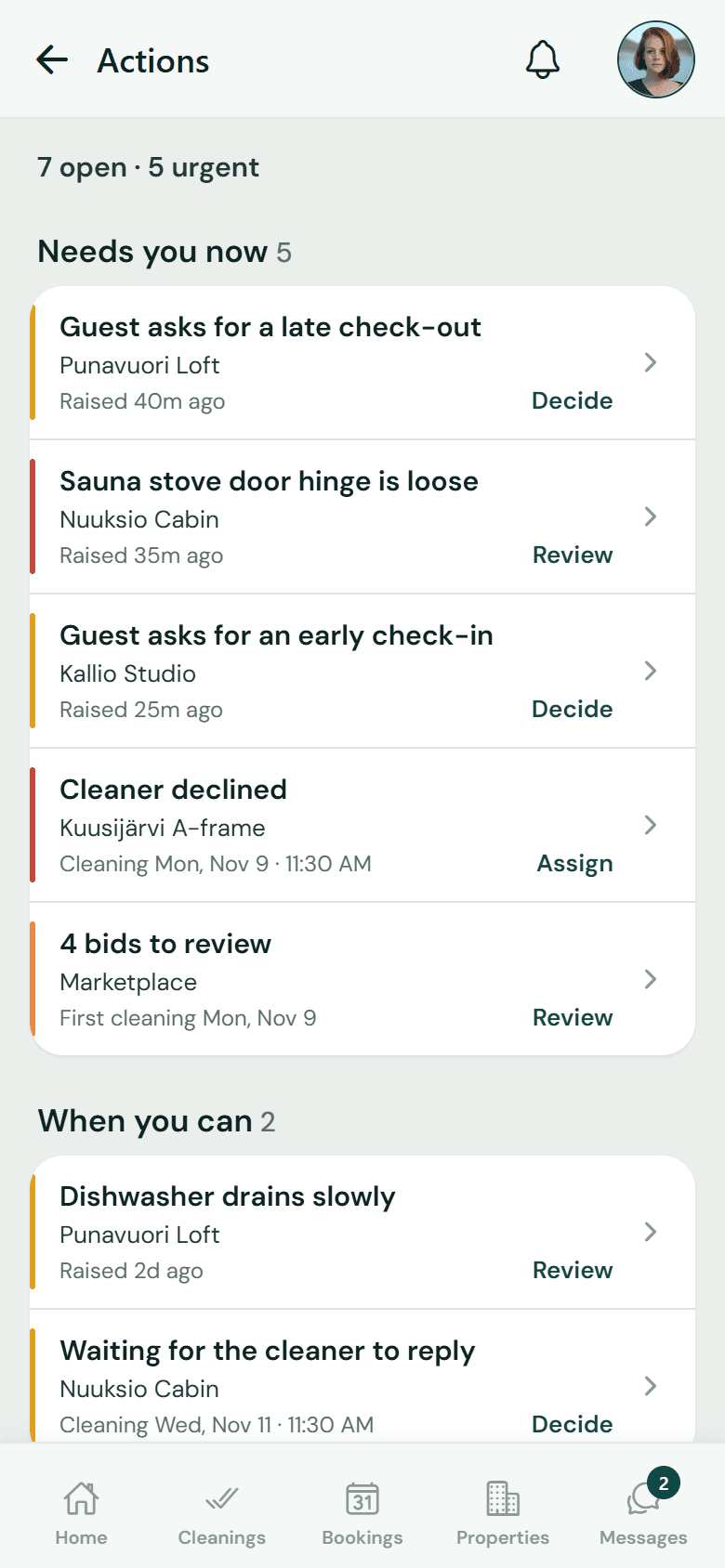
Kuusijärvi A-frame · checkout 11:00
- Anja finds the dishwasher leaking
- Report with photos sent from the job
- It shows up in your Actions
- Fixed before the 16:00 check-in
How it works
Someone reports it
A cleaner from their job, you from the Issues screen, or a guest through their stay link. Reports can carry photos.
You decide what to do
Guest reports arrive as requests. Approve or reject each request, or turn the request into an issue to track.
Track it to resolved
Move the issue from open to acknowledged, in progress and resolved. The person who reported the issue in the app gets a push notification at each change.
The cleaner tells you what they found
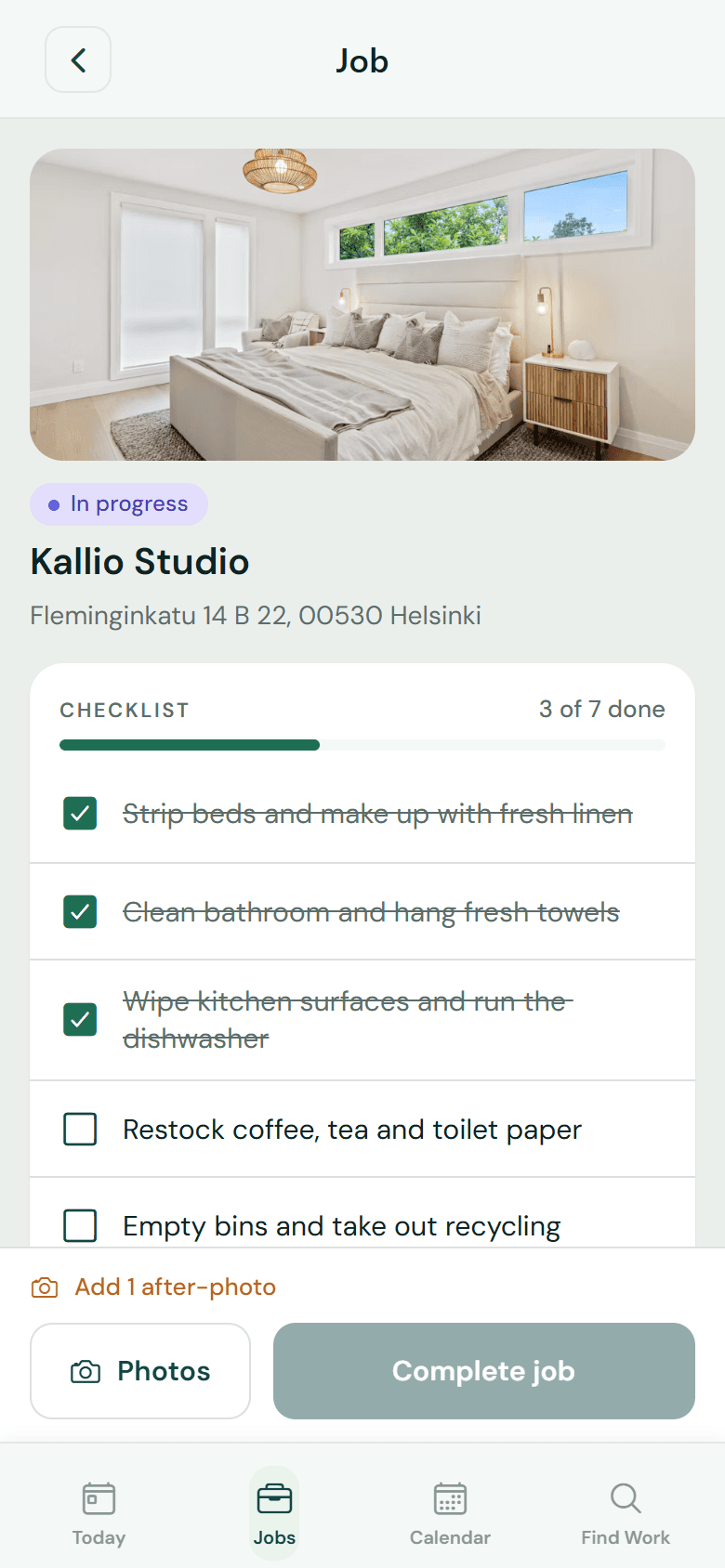
Cleaners find problems first: a broken kettle, a stain on the sofa, a missing key. Cleaners can send a short text report straight from the job.
For more detail, the cleaner opens the Issues screen. The cleaner adds the property, a title, a description and up to 5 photos. A cleaner assigned to an issue can mark the issue resolved.
See cleaning photos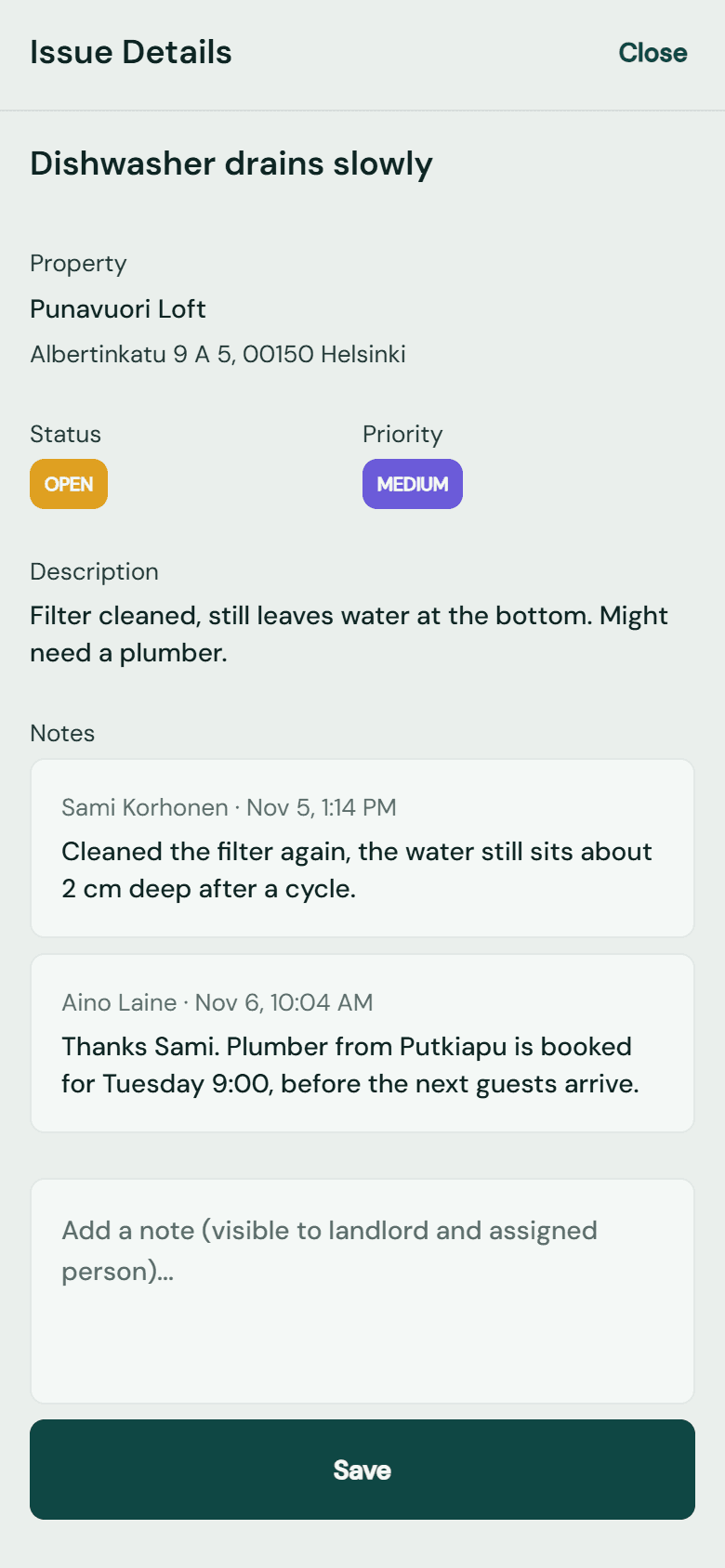
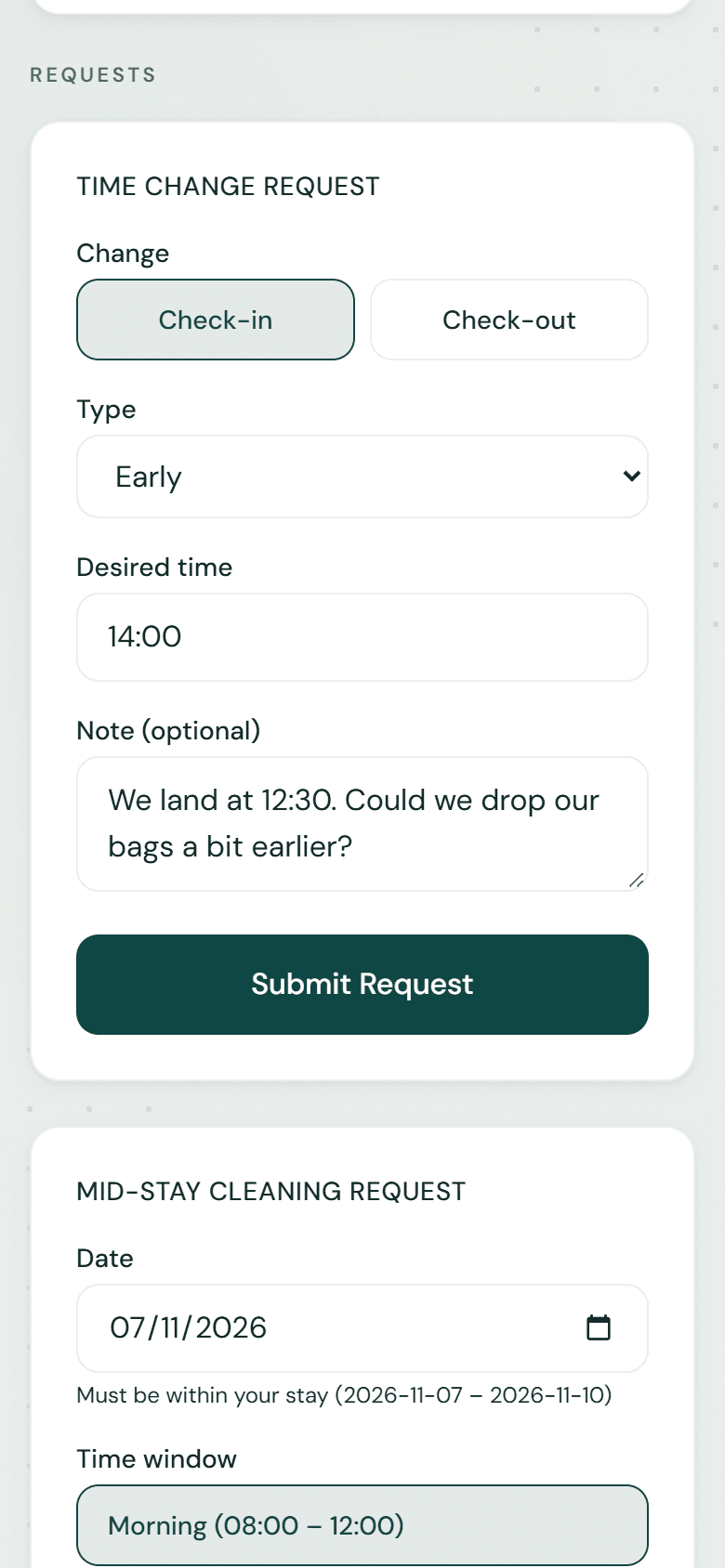
Guests report it without calling you
Guests use the private stay link you send. No app or account is needed. The guest picks a category (maintenance, cleaning, guest or other) and sets the urgency from low to urgent. Then the guest describes the problem and adds photos.
You get an in-app notice. Approve or reject the report, or turn the report into an issue. Guests who leave an email get a confirmation.
- The same link holds the stay details and time-change requests
Issue reports in numbers
- 5Photos per issue from the Issues screen
- 4Categories for guest reports
- 4Statuses, from open to resolved
Questions
Who can report an issue?
Cleaners, from the job or the Issues screen. You and your team, from the Issues screen. Guests, through their stay link on Starter and up.
Do guests need an app?
No. Guests open their private stay link in a browser. No account is needed.
Can reports include photos?
Yes. Reports from the Issues screen take up to 5 photos. Guests can add photos to their reports too. A quick report from inside a cleaning job is text only.
What happens to a guest report?
The guest report arrives as a request, and you get an in-app notice. Approve or reject the request, or turn the request into an issue. Guests who left an email get a confirmation.
Is there a step to check the fix?
No. Issues go from open to acknowledged, in progress and resolved, with no separate verification. Verification exists for completed cleaning jobs, not for issues.
Hear about problems early
Add a property and your cleaner. Your cleaner can report problems from the next job.