Host teams and co-hosts
Share the work without sharing a login
Invite co-hosts and staff to your workspace. Give each person a role and the properties they look after. Everyone works from the same jobs.
Team seats on Pro (3) and Business (10)
Punavuori Loft · Monday morning
- Guest asks to check out at 13:00
- Your co-host approves it in Actions
- Maria is asked to confirm it
- Confirmed. Nobody waited on you
How it works
Your cleaners are not part of the team. Cleaners keep their own cleaner app and don’t use a seat.
Invite by email
In Settings → Team, enter the person’s email and choose admin, ops or viewer.
Choose their properties
Give the person every property, or only the properties they look after. You can change access later.
Work from the same jobs
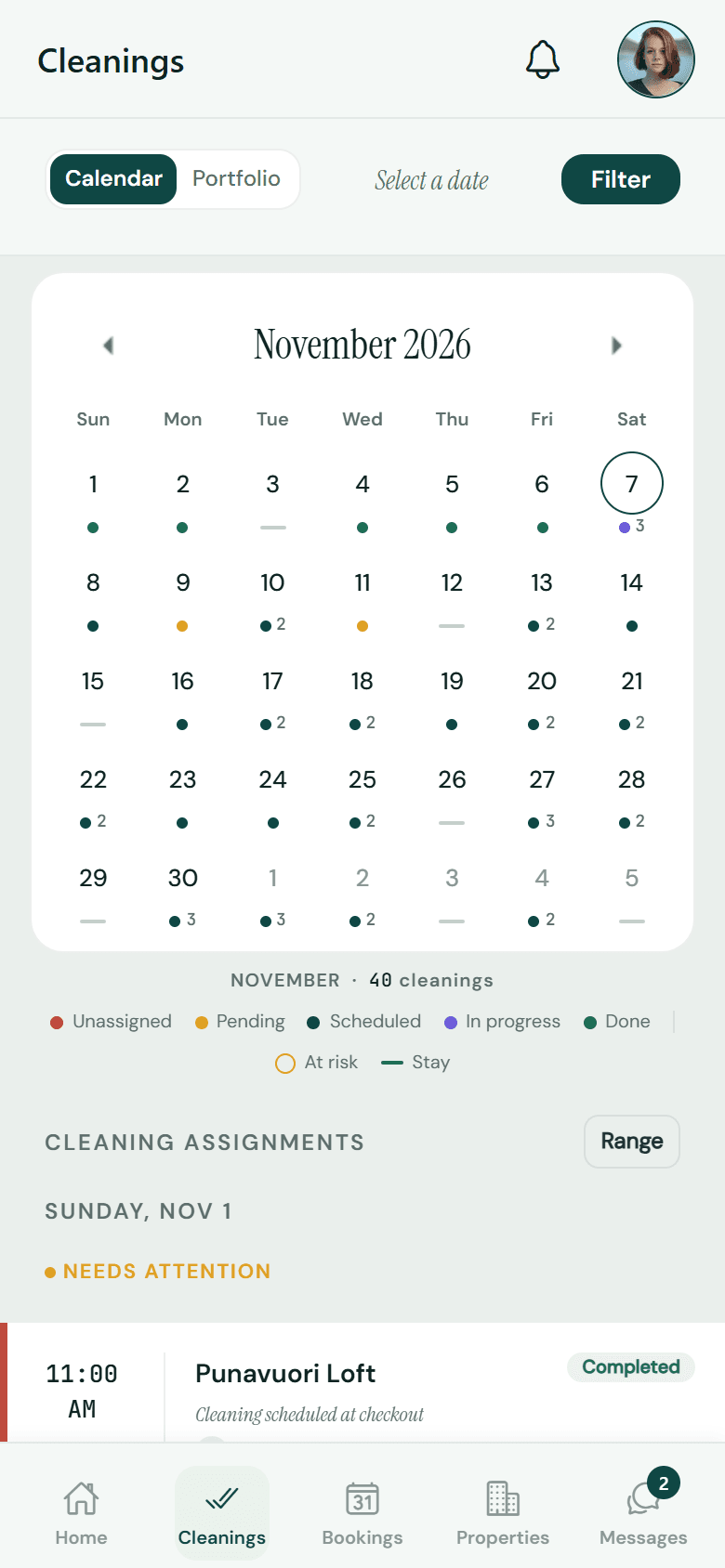
Everyone sees the same bookings, cleaning jobs and Actions for their properties.
Each person can do only their part
Each person has one role. Give each person the lowest role that covers their work.
- Owner: billing and deleting the workspace, plus everything an admin can do
- Admin: adds and removes team members, plus everything ops can do
- Ops: makes changes, such as editing a property’s checklist
- Viewer: can look but not change anything
Co-hosts see only the homes they run
A co-host who looks after two flats in Kallio doesn’t need your cabins. Limit each member to the properties they work on.
Change a member’s role or properties in Settings → Team. Remove a member who stops working with you.
Nothing waits for one person
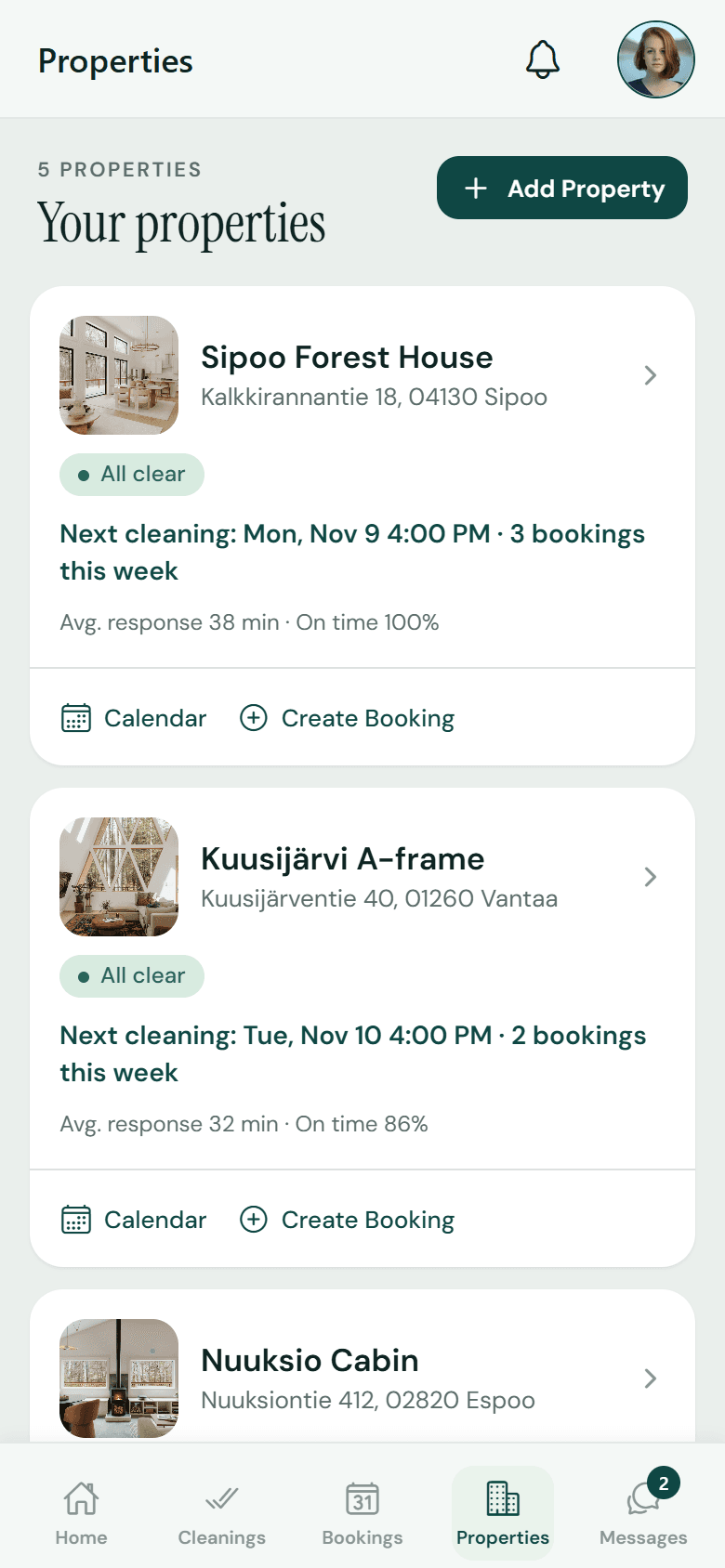
The Actions screen collects what needs a person: a guest asking for a later check-out, a cleaner who declined a job, an issue to review.
Actions is sorted by priority, so whoever opens the app first sees the urgent items. Owners, admins and ops members can act on each item. Viewers can only look.
How a job reaches a cleaner
Seats by plan, including the owner
- 1Free and Starter: the owner only
- 3Pro, €39/month: the owner and two more
- 10Business, €99/month: up to 50 properties
- 0Seats used by cleaners
Who it’s for
A good fit if
- Two or more people share the work on 2 to 50 properties
- You have your own cleaners and want co-hosts to see the same jobs
- Some people should only see some properties
Probably not if
- You manage alone. Free or Starter covers one person
- You need a channel manager or a shared guest inbox
- You run more than 50 properties in one workspace
Questions
How many people can I add?
Seats include the owner. Free and Starter have one seat, for the owner. Pro has three: the owner and two more. Business has ten.
Do cleaners use a seat?
No. Seats are for the people who run the workspace. Cleaners work in their own cleaner app and don’t count towards your seats.
Can a co-host see only some properties?
Yes. Choose the co-host’s properties when you send the invite, or later in Settings → Team.
What can a viewer do?
Look, not change. A viewer sees the properties, bookings and jobs they have access to. The viewer role suits a partner or a property owner who wants to follow along.
Who pays for the plan?
The workspace owner. Billing and deleting the workspace are the only things an admin can’t do.
Bring your co-host in
Start on Free with one property. Team seats come with Pro and Business.