Cleaning photos
Proof ready when a guest complains
Cleaners can add before and after photos from their phone. The photos stay in the job details, ready if a guest complains or something gets damaged.
On every plan, including Free
Punavuori Loft · checkout 12:00
- Before photos show a cracked lamp
- Issue report sent, with photos
- The guest disputes the damage
- You reply with that day’s photos
How it works
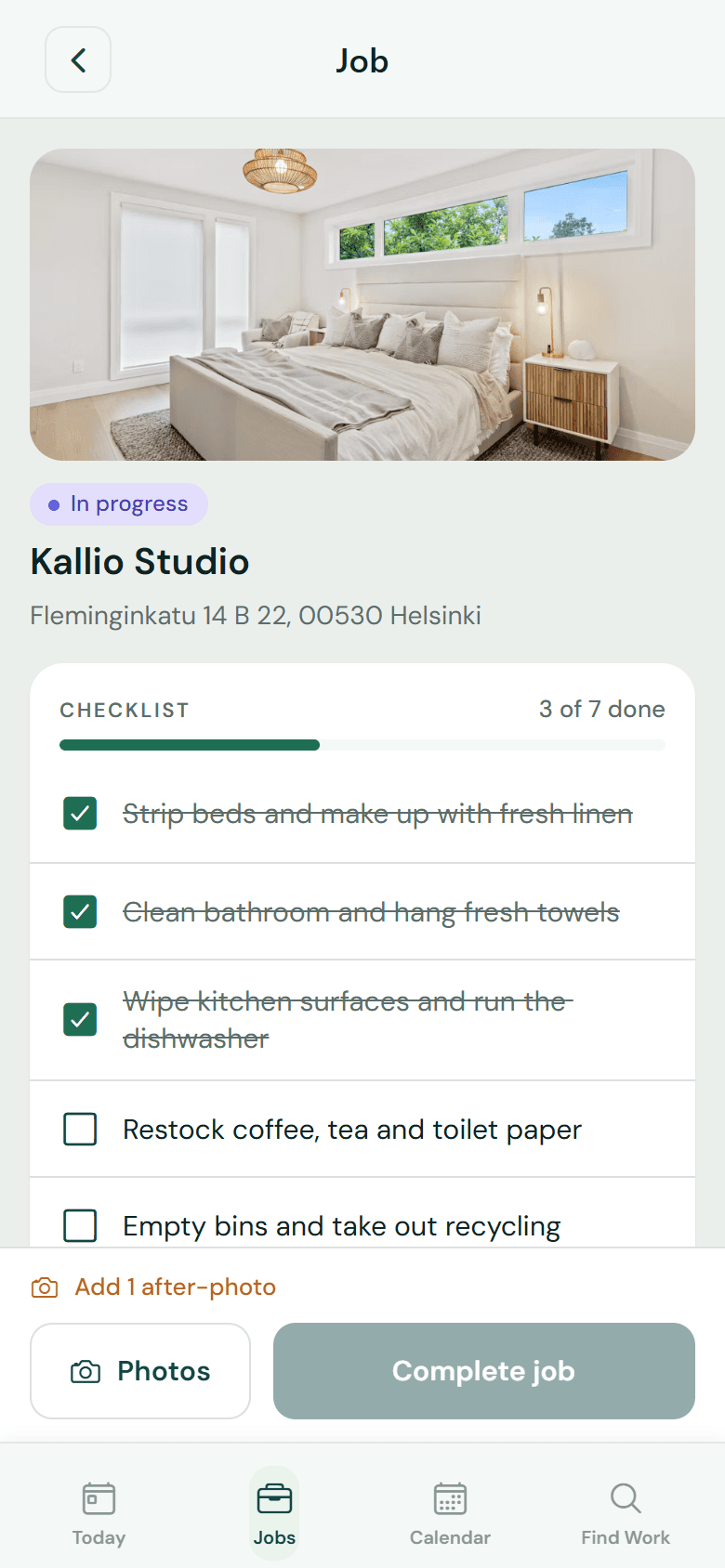
Photos are optional for the cleaner. The app has a photo step when the job starts and when the job ends. The cleaner can skip both.
Before, at the start
When the cleaner starts the job, they can take a “before” photo of how the guests left the home. The cleaner can also skip the photo.
After, at the finish
When the cleaner marks the job done, they can add before and after photos. There is no minimum number.
You open them in the job
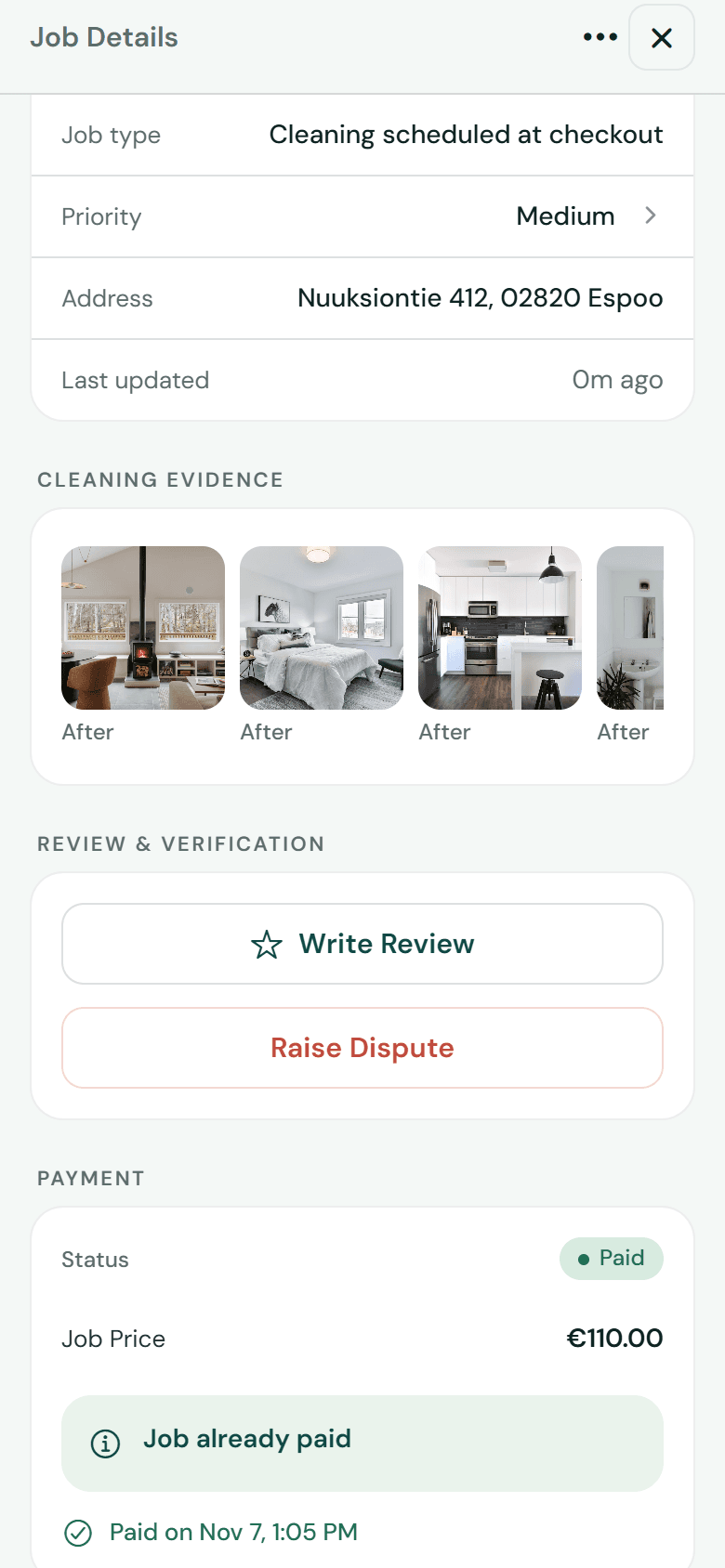
The photos are saved in that job’s details, under cleaning evidence. Open the job to see the photos.
Know what the home looked like that day
A guest says the flat wasn’t clean. A lamp is broken, and nobody knows when. The cleaner’s turnover photos show the home on that day.
The photos stay with the job, not in a chat thread. Open the job when you answer a guest or make a damage claim.
- Before and after photos on the same job
- Stored privately and opened through short-lived links
- Damage found during the clean can go into an issue report with up to 5 photos
Keep each home’s photos in one place
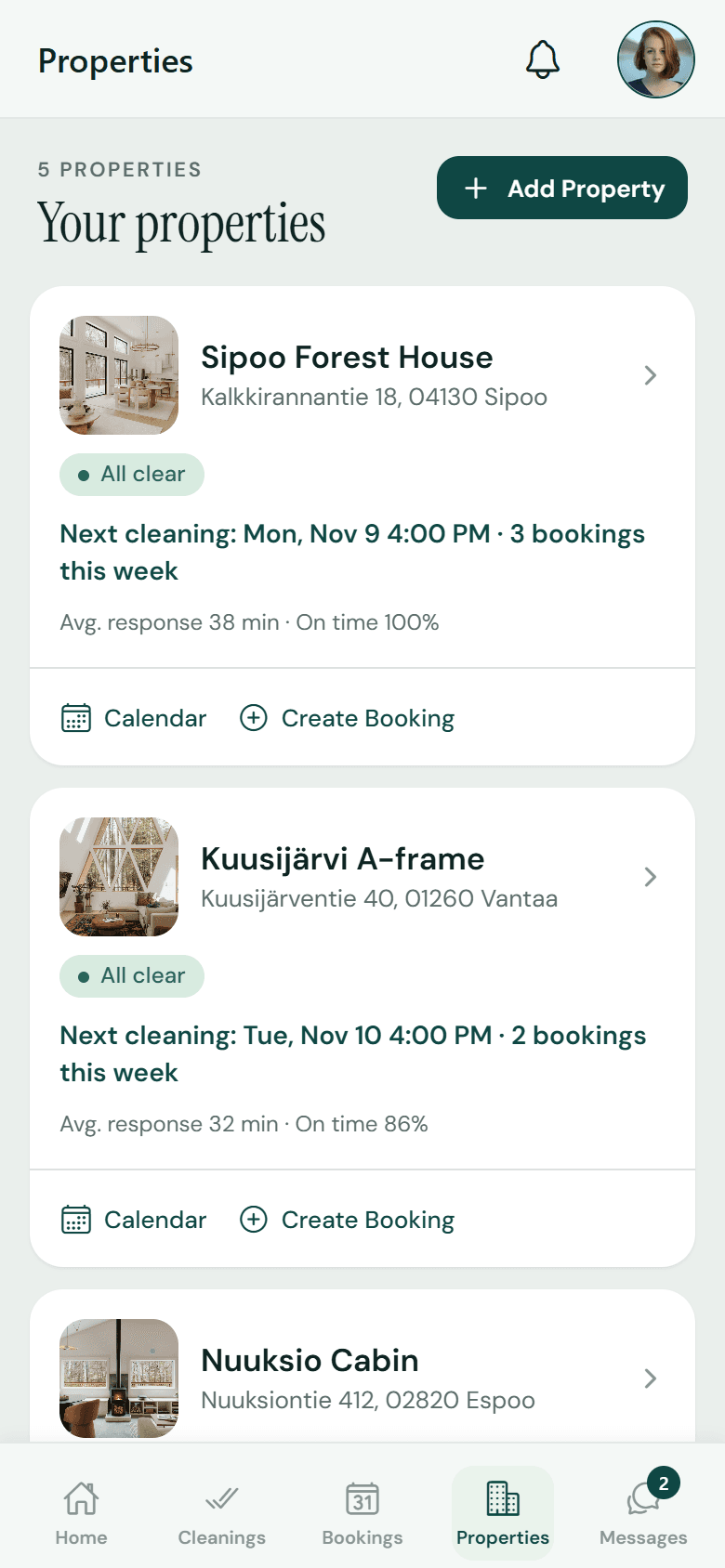
Each property can keep a photo gallery, imported from Airbnb or uploaded by you.
Cleaners see the main property photo at the top of the job, but not the rest of the gallery. Put room-by-room instructions in the checklist.
What you can and cannot require
Hosts can’t make photos mandatory. A cleaner can complete a job with no photos at all.
If photos matter to you, agree on photos with your cleaners from the start. Look at the job after each turnover. You can rate every job on quality and reliability.
See cleaner reviewsQuestions
Can I require cleaners to upload photos?
No. Photos are optional. The cleaner can skip the before photo and complete the job without photos. If you need photos, agree on photos with your cleaner, then check each job.
Where do I find the photos?
Open the cleaning job. The photos are in the job details, under cleaning evidence.
Who can see the photos?
The photos are stored privately, not in a public album. You open the photos through short-lived links inside the job.
Can the photos help with an Airbnb damage claim?
The photos can be part of your evidence. Each photo shows the home at that turnover. Oordio doesn’t file claims for you. Add the photos when you make the claim with the platform.
Do cleaners see my property photos?
Cleaners see the main property photo on each job. The rest of your gallery stays on your side.
Do photos cost extra?
No. Cleaning photos are on every plan, including Free.
Keep the evidence with the job
Add your first property and your cleaner. Any photos the cleaner takes are saved in the job.