Download
Run turnovers from wherever you are
Hosts and cleaners use the same app, on a phone or in a browser. Guests don’t need the app. Each guest opens a stay link.
Free to download. Or open app.oordio.com in any browser.
Getting started
Pick a device
Install Oordio from the App Store or Google Play, or open app.oordio.com in a browser.
Sign in
Use the same account on your phone and your computer. Your properties and jobs are on both.
Start with one property
Hosts connect a calendar and add their cleaner. Cleaners see offers, jobs and earnings.
For hosts
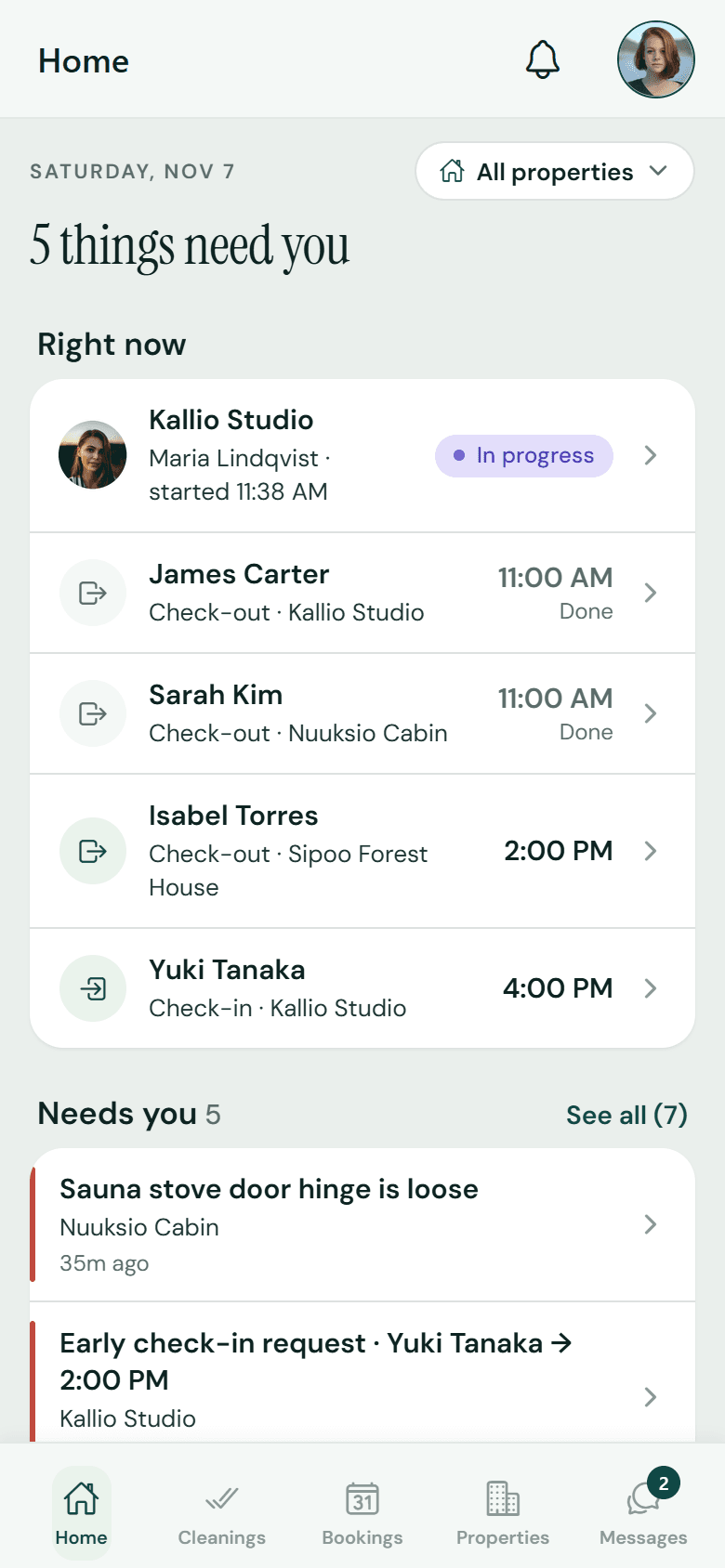
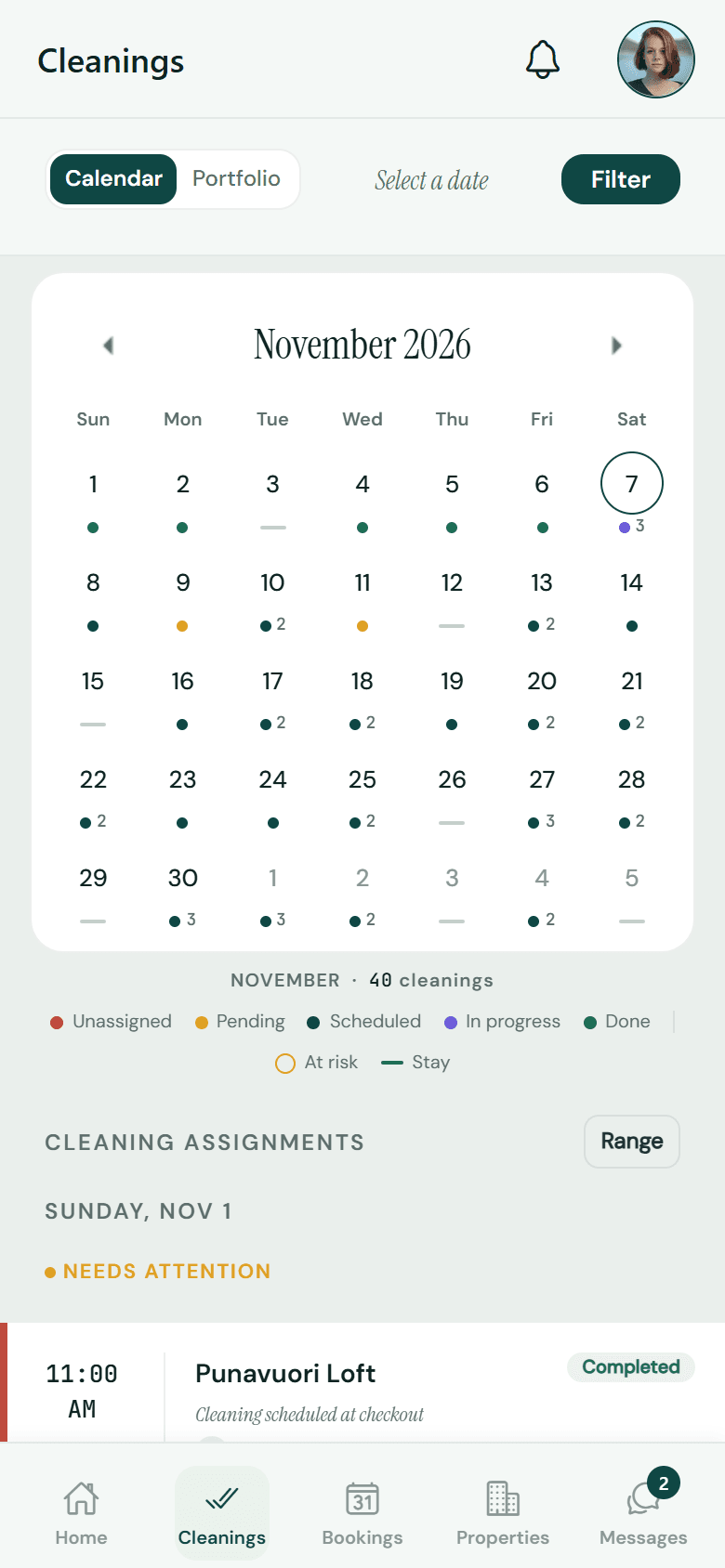
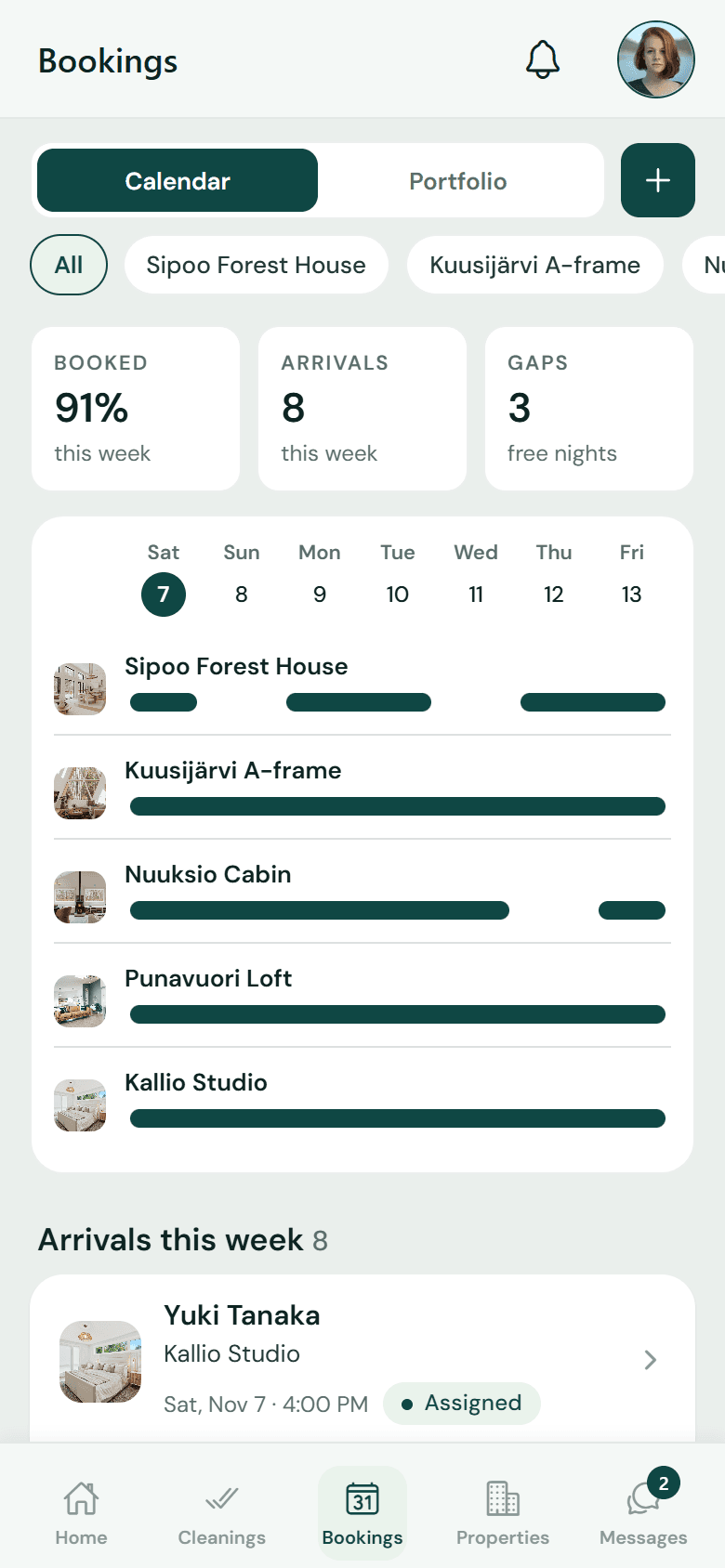
Home shows today’s checkouts and check-ins and anything waiting for your decision. Cleanings and Bookings show the month and the week ahead.
Set up properties on a computer if you prefer. Answer requests and declined jobs from your phone.
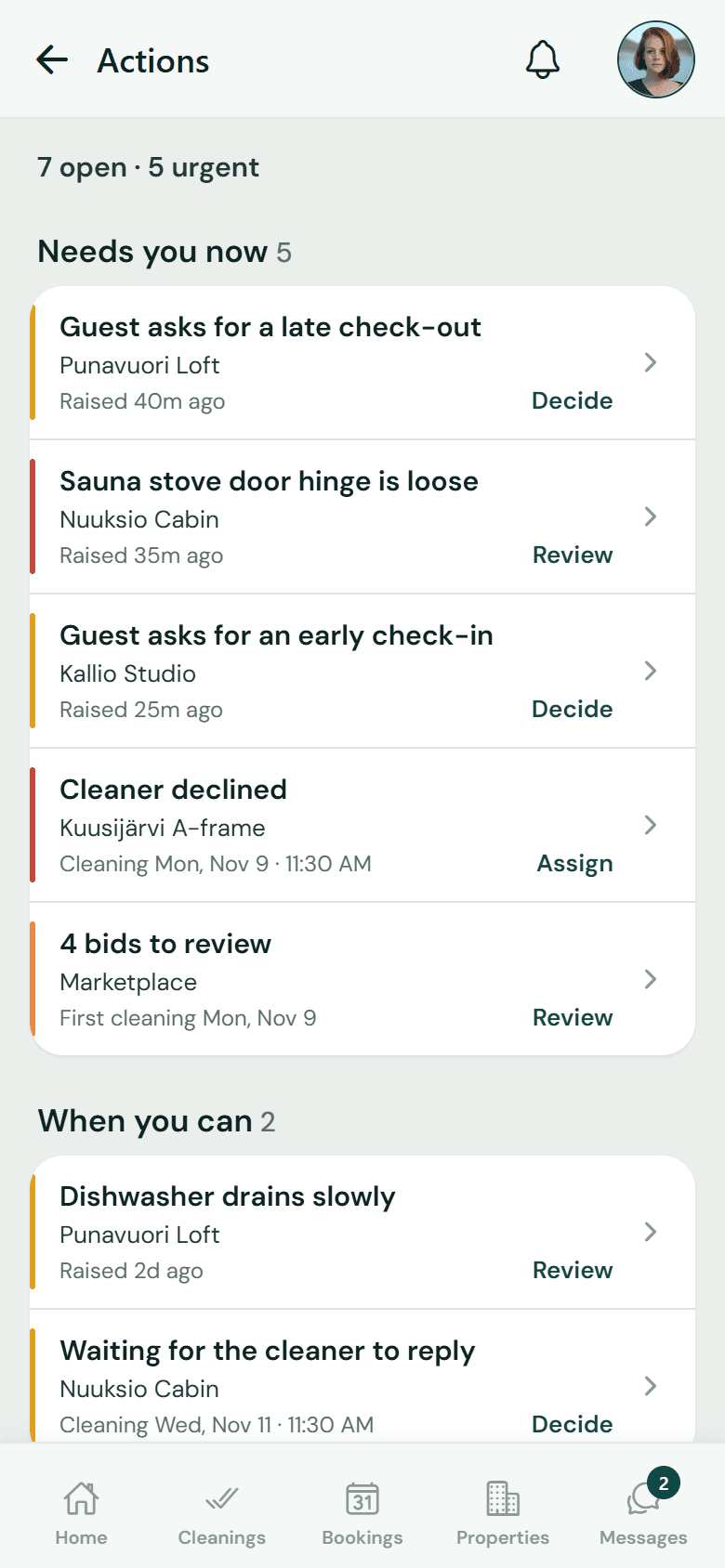
- Cleanings calendar, bookings and Actions on every device
- Push notifications when a job is left without a cleaner
- Team members sign in with their own account and role
For cleaners
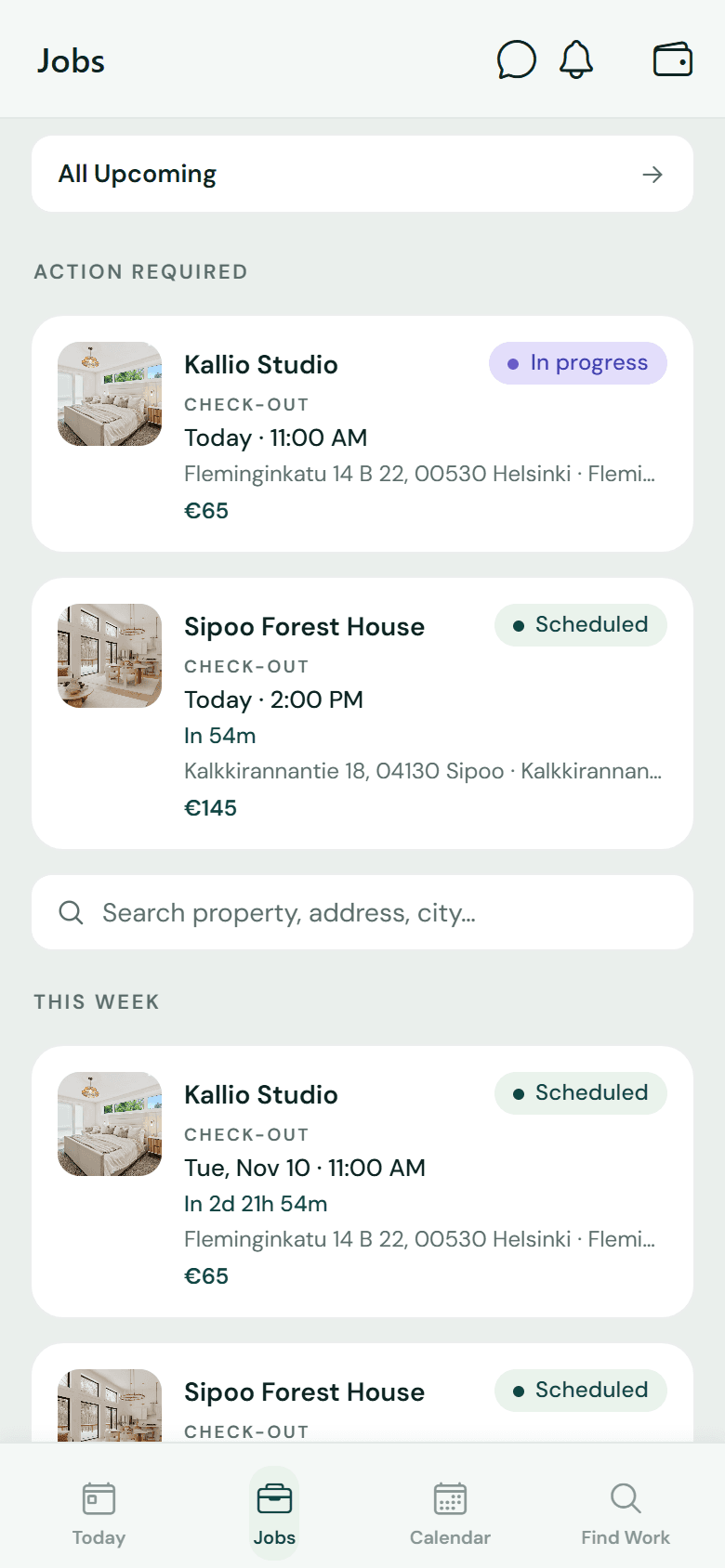
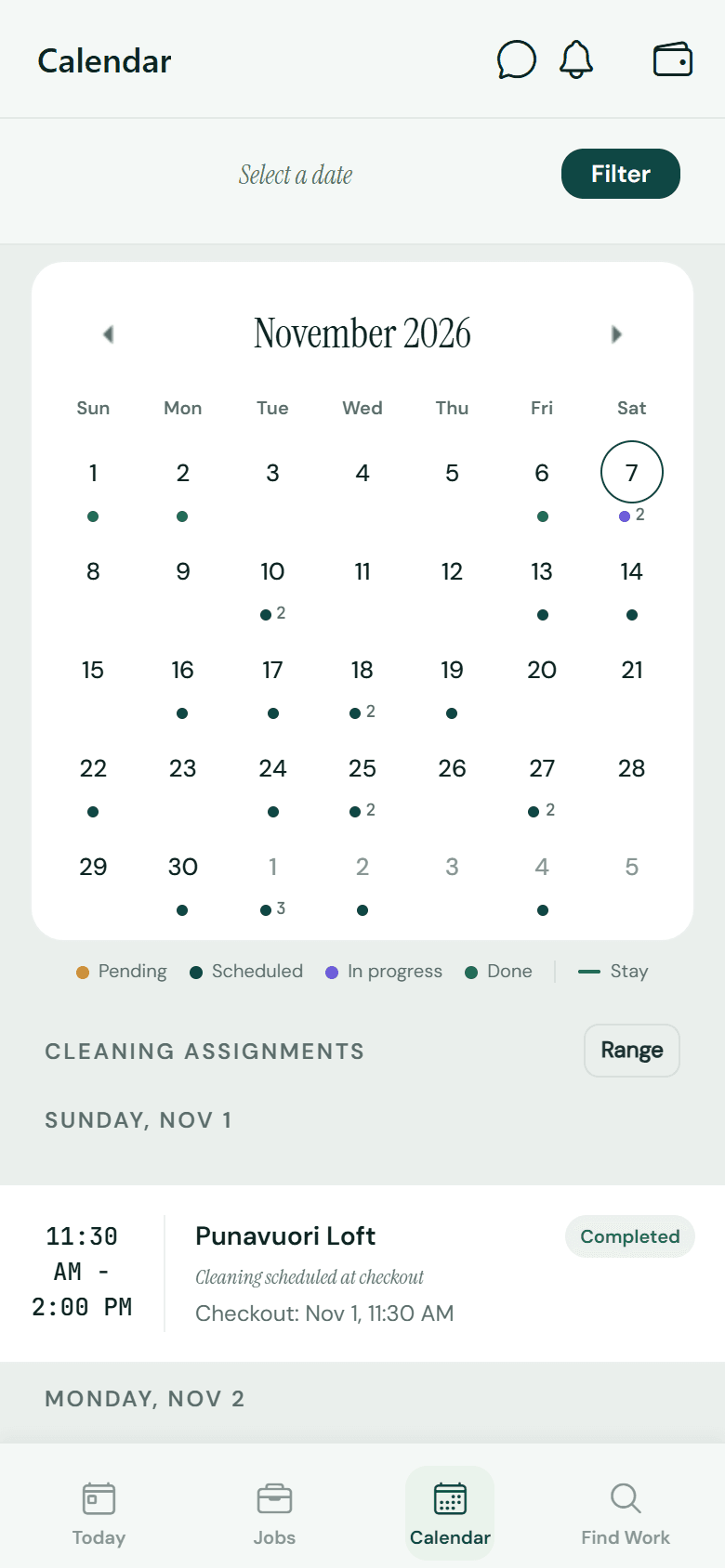
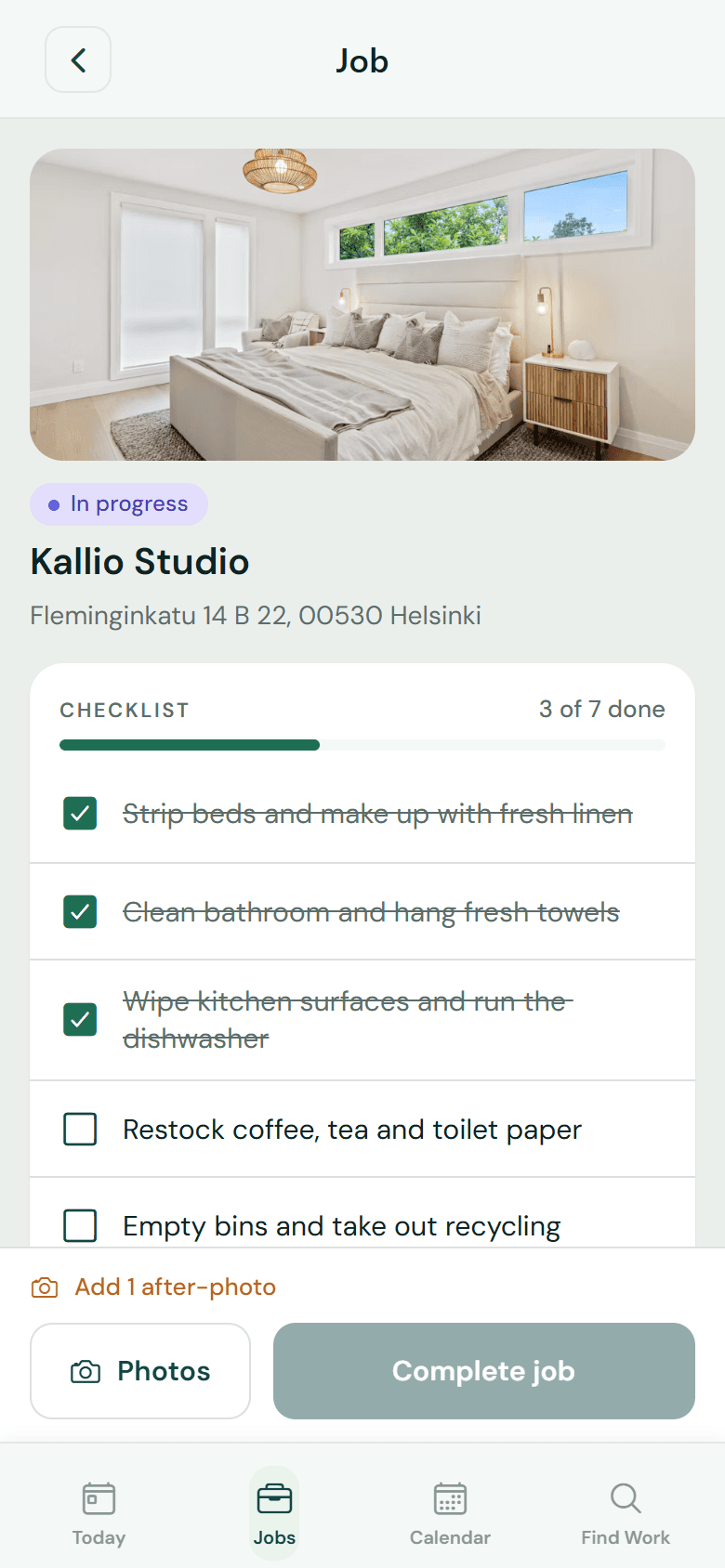
Cleaners get offers with a time limit. A cleaner accepts or declines each offer. Each job shows the checkout time, door code and checklist.
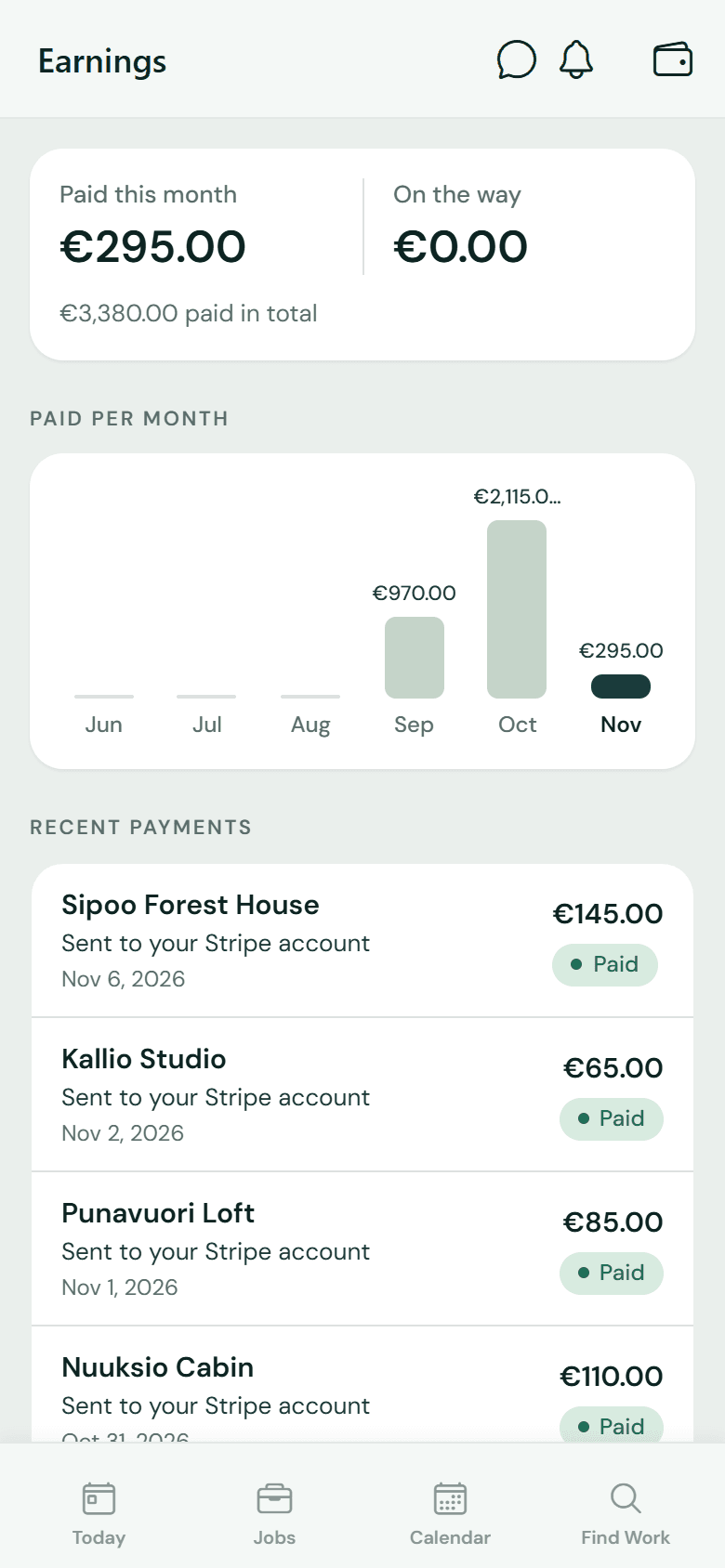
One app covers every host a cleaner works for. The tabs are Today, Jobs, Calendar and Find Work. Earnings opens from the wallet icon at the top.
- Offer reminders as push notifications
- Photos and issue reports from the job
- Earnings per month, a statement to export and a link to your Stripe account
For guests
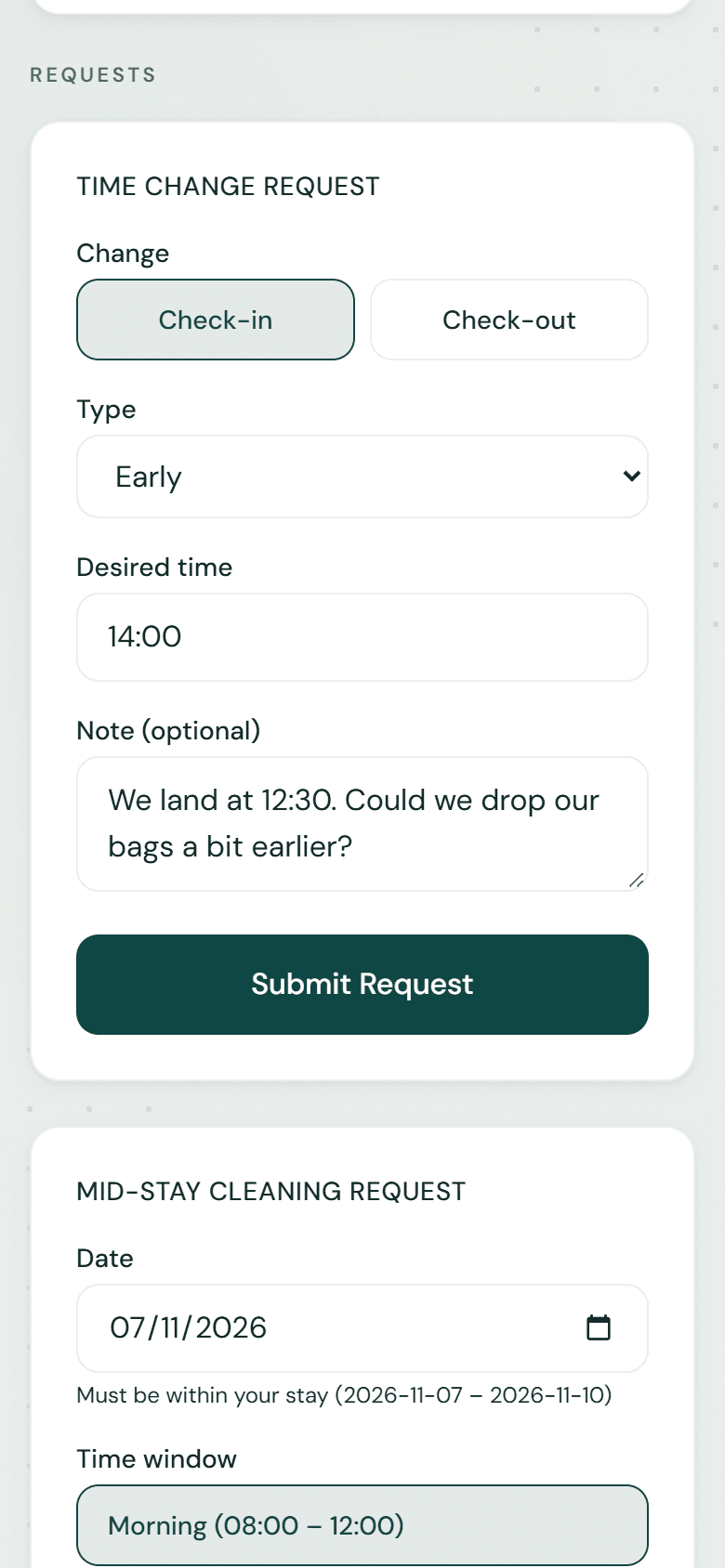
Guests don’t install anything. You send each guest a stay link. The link opens in the phone’s browser with the times, directions and door code.
From the same page, the guest can ask for a time change or a mid-stay cleaning, or report a problem. Stay links are on Starter and up.
See the guest stay link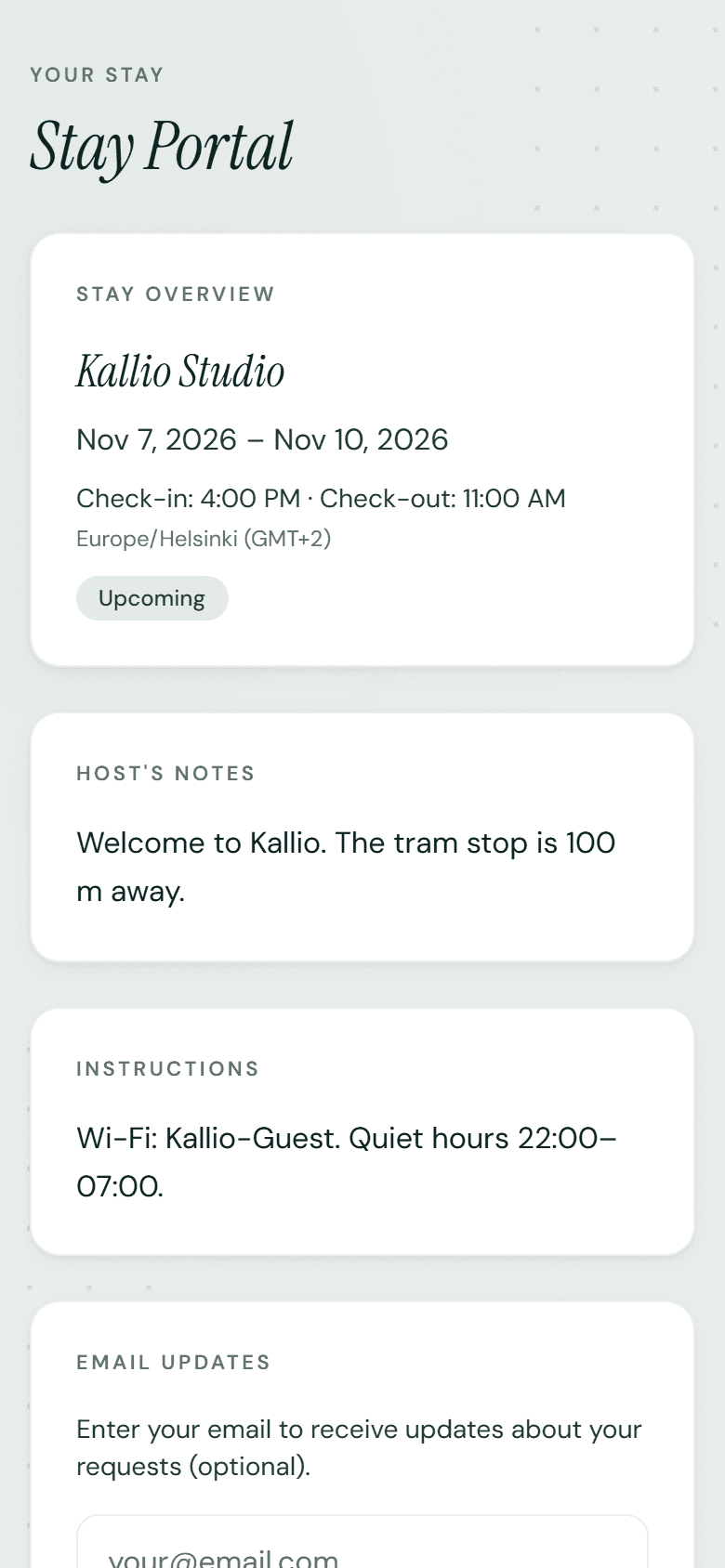
Questions
Do I have to install the app?
No. You can use Oordio at app.oordio.com in a browser. Install the phone app to get offers and reminders as push notifications.
Which languages and countries does the app support?
The app is in English, Finnish, Swedish, German, French, Spanish, Italian, Dutch and Vietnamese. Each person picks a language in their Profile. Oordio works in any country with Airbnb, Booking.com or Vrbo. In-app payouts work in the EEA, UK and Switzerland. Elsewhere, pay your cleaner your usual way and mark the job paid.
Does one account work on every device?
Yes. Sign in with the same account on iPhone, Android and the web.
Do my cleaners use up seats on my plan?
No. Seats are for your team. Cleaners don’t use seats.
Do guests need the app?
No. Guests open their stay link in a browser, without an account.
Can a cleaner work for several hosts in the app?
Yes. One cleaner account can take jobs from several hosts.
Get Oordio on your phone
Install the app, or start in the browser and add your first property.